Style Guide
A reference page for editors and contributors — covering typography, formatting, and everything that makes Enova content feel like Enova content.
Headings
Header tags are what keep your content away from absolute chaos in terms of visual organization. They help your readers understand your writing, they help search engines determine your content.
Heading 1
Heading 2
Heading 3
Heading 4
Heading 5
Heading 6
Lists
Unordered list
- Item number one
- Item number two
- A nested item
- A nested item
- A final item
Ordered list
- Item number one
- Item number two
- A nested item
- A nested item
- A final item
Highlighting
Highlighting text on a web page can help bring important information immediately to the reader's attention. When creating a highlighting text, all you need to do is add a == before and after your text in Markdown card.
Callout Cards
Ever find yourself wanting to add extra styling to important information in your posts? Well, now you can with callout cards. Each callout card can include an emoji, any length of text with styles and links, and a custom background color.
Blockquote
Blockquotes are used for two purposes at Miyus: direct quotations from interview subjects, and pull quotes that deserve visual separation from the body text. Keep them short. A blockquote that runs longer than three sentences has probably stopped being a quote and started being a passage — which belongs in the body.
“Whoever wants music instead of noise, joy instead of pleasure, soul instead of gold, creative work instead of business, passion instead of foolery, finds no home in this trivial world of ours.” ― Hermann Hesse
The most courageous act is still to think for yourself. Aloud. — Coco Chanel
Bookmarks
When using a URL with the right meta information, it can show the page title, excerpt, author, publisher and even a preview image. This is a great way to share links from sites that don't have automatic embeds.


Products
Display products beautifully with custom content including an image, description, button or rating, so you can add your favorite recommendations to any post.
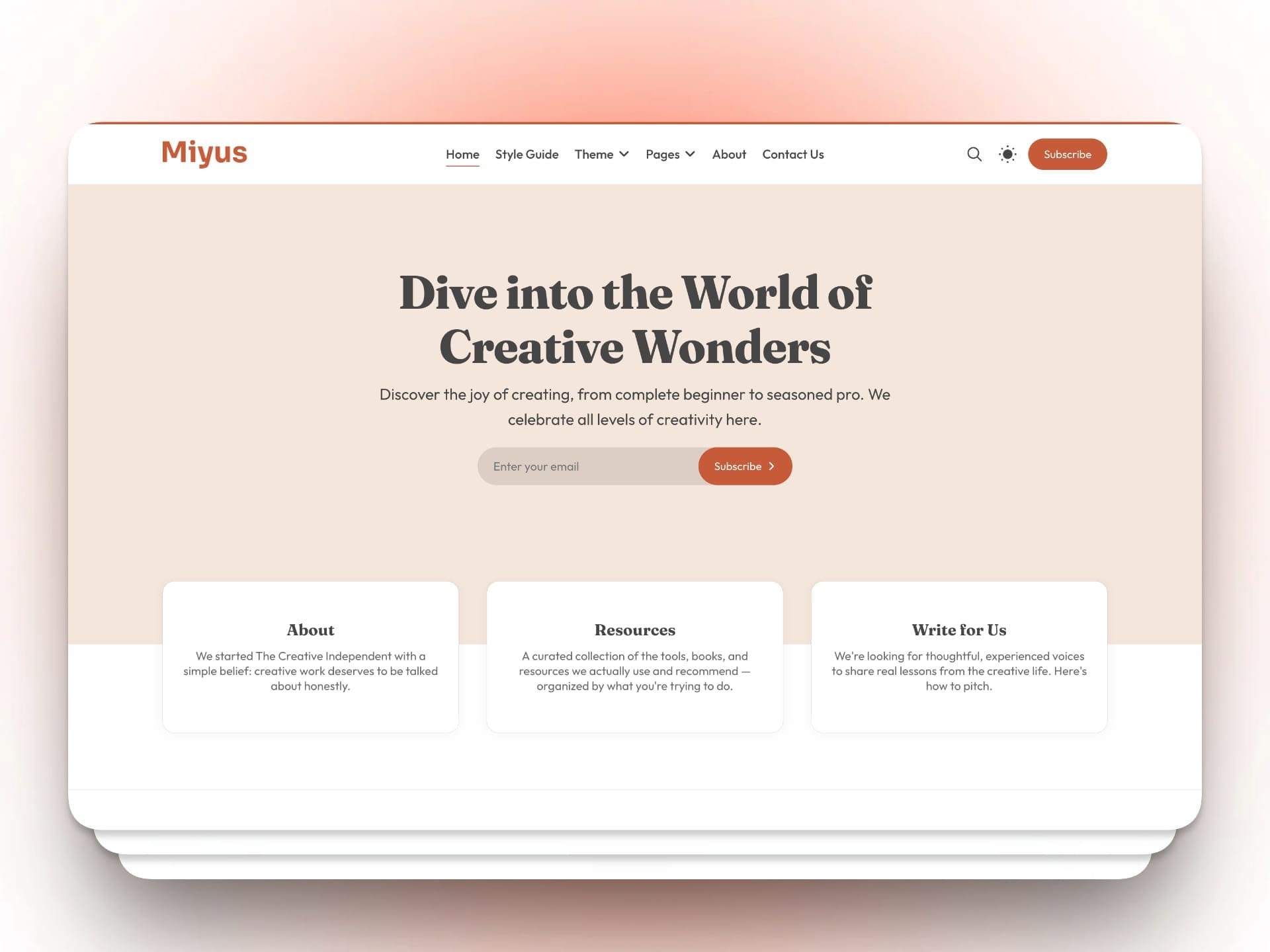
Miyus - Premium Ghost Theme
Miyus is a sophisticated, editorial-first Ghost CMS theme designed for modern media businesses and digital entrepreneurs. It blends high-impact storytelling with a clean, professional aesthetic to give your content the authority it deserves.
Image Card
Ghost gives you three width options. Regular width sits within the content column and suits portraits, product shots, and anything where detail matters at a contained size. Wide breaks slightly beyond the content column — good for landscapes and editorial photography that benefits from breathing room. Full width bleeds edge to edge and is reserved for hero moments: an opening image that sets a scene, or a single visual that carries an entire section.



Gallery Card
The gallery card displays a grid of images in a single block. Use it when a story genuinely requires multiple images to be seen together — a before and after, a set of products, a visual sequence from an event or shoot. Do not use it as a default image layout. A gallery of loosely related images reads as filler. Each image in an Miyus gallery should earn its place in the set.





Gallery Card | Photos by Unsplash
Aim for three to six images per gallery. Ghost will arrange them automatically. Portrait and landscape images can be mixed — the layout adapts.
Embed Card
The embed card handles external content that needs to be experienced rather than described — a YouTube or Vimeo video, a Twitter or Instagram post, a Spotify track, a podcast episode. Paste the URL and Ghost handles the rest.
At Miyus, embeds are used purposefully. A video embedded in an article should be essential to understanding the piece — not decorative. If a reader could fully understand the article without watching it, the embed probably does not belong there.
YouTube Embed Card
Vimeo Embed Card
Spotify Embed Card
SoundCloud Embed Card
Audio Card
The audio card allows you to upload an audio file directly to Ghost and embed a native player in your article. Use it for recorded interviews, voice notes, spoken-word companion pieces, or original audio content produced by the your team.
Label your audio clearly. The title field shown in the player should tell the reader exactly what they are about to hear before they press play.
Video Card
The video card uploads video files directly to Ghost — no third-party hosting required. Use it for short-form video that belongs inside an article rather than on a separate platform. Brand explainers, founder clips, and short documentary excerpts work well here.
Keep uploaded videos short. Anything over three minutes should be hosted on YouTube or Vimeo and embedded via the embed card instead, to avoid impacting page load times.
File Card
The file card creates a styled download block — title, caption, filename, and file size — with a direct download link. Use it when you are offering a resource for readers to keep: a guide, a template, a checklist, a PDF report.
Every downloadable file at Miyus should have a clear title that states exactly what is inside it, and a caption that explains why a reader would want it.
Button Card
The button card inserts a full-width styled call to action. It uses your site's accent color automatically. Use it to drive a single, clear action at a meaningful moment in the content — the end of a guide, the close of a founder story, the bottom of a resource roundup.
Miyus buttons carry one of four labels depending on context:
- Read the full story → — for continuing to a related piece
- Join Miyus — for membership conversion moments
- Download the guide — for resource CTAs
- Subscribe for free — for newsletter sign-up prompts
Do not use a button card to link to an external site unless the destination is a partner resource explicitly referenced in the article.
Toggle Card
The toggle card creates a collapsible section — a heading the reader can click to reveal hidden content beneath. Use it for supplementary information that some readers will want and others will skip: methodology notes, extended resource lists, FAQs at the end of a guide, or detailed definitions that would interrupt the main flow if left inline.
What sources does Miyus use for financial data?
All financial figures cited in Miyus articles are sourced from publicly available reports, peer-reviewed studies, or directly from interview subjects. Where a figure cannot be independently verified, we note the original source and date of publication. If you believe a figure is outdated or inaccurate, contact us at hello@miyusmag.com.
How do I cancel my Miyus membership?
You can cancel your membership at any time from your account settings. Cancellation takes effect at the end of your current billing period.
Header Card
The header card creates a full-width section break with a large heading, optional subheading, and optional button. It comes in small, medium, and large sizes, and in light, dark, accent, and image-background styles.
At Miyus, the header card is used in long-form feature articles and guides to mark major structural transitions — not decorative breaks, but genuine shifts in the content's direction. Use it when a new section is substantial enough to feel like its own chapter.
Built by Women. Told Honestly.
First-hand accounts from founders who figured it out as they went — and what it actually took.
Read their storiesBuilt by Women. Told Honestly.
First-hand accounts from founders who figured it out as they went — and what it actually took.
Read their storiesBuilt by Women. Told Honestly.
First-hand accounts from founders who figured it out as they went — and what it actually took.
Read their stories
Built by Women. Told Honestly.
First-hand accounts from founders who figured it out as they went — and what it actually took.
Read their storiesSignup Card
The signup card embeds a full email capture form directly inside the content. It supports a heading, subheading, button label, and disclaimer text. Use it at the natural close of a high-value article — when the reader has just finished something that earned their trust and attention.
The signup card at Miyus should always feel like an invitation, not a demand. The heading should reflect what the reader just experienced. The subheading should tell them specifically what they will receive. The disclaimer is always: No spam. Unsubscribe anytime.